


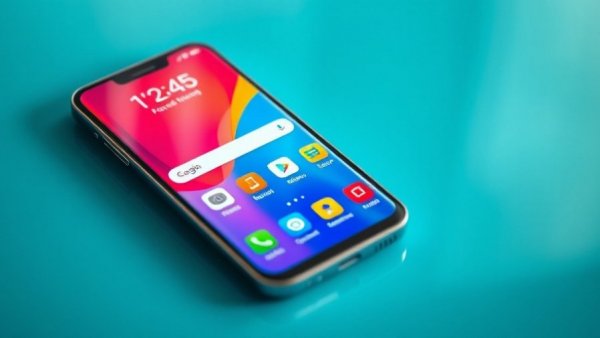
Samsung's New Gallery Feature: A Game Changer for Photo Management
Samsung has taken a significant leap forward by allowing its Gallery app to sync with Google accounts, following the termination of its OneDrive integration earlier this year. This new feature, currently available on selected Galaxy devices running One UI 9, brings a streamlined and convenient solution for backing up photos and videos without the need to juggle between different apps.
Why This Matters for Tech Users
For tech followers, this integration is more than just a minor update; it signals Samsung's commitment to improving user experience by simplifying how media is stored and accessed. Users can benefit from the ability to access their photos across multiple devices—not just Samsung phones—by logging into their Google accounts. This ensures that your cherished memories are always within reach, no matter what device you're using.
How the Sync Process Works
To activate the feature, users need to tap the Cloud icon in the Gallery or adjust their settings to enable photo sync. Once enabled, photos and videos will sync automatically, allowing for seamless access via the Gallery app on another device linked to the same account. This makes it easier than ever for users to manage and enjoy their media across different devices.
Optimizing Storage with Smart Features
In a world where storage space can be at a premium, Samsung's new feature offers smart options such as the 'Free up space' function. This allows users to keep thumbnails on their devices while removing the original files, effectively saving storage space without losing access to visually rich previews.
The Impact on User Choices and Storage Needs
It's essential to note that while this feature offers convenience, it also utilizes space in users' Google accounts. Every Google account starts with 5GB of free storage, making it crucial for users to monitor their space and consider upgrades through Google One for additional storage options. With the rising popularity of AI-powered gadgets and smart devices, knowing how to optimize storage in this interconnected landscape is more relevant than ever.



Write A Comment